|




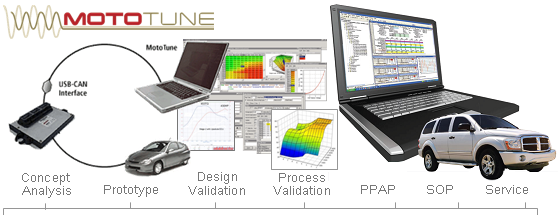



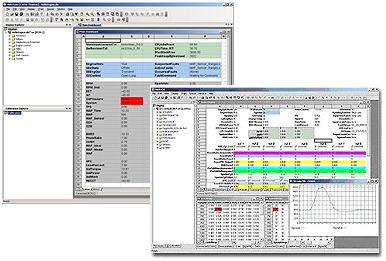
 The MotoTune™ calibration development tool provides all of the functionality needed for typical day-to-day calibration tasks. An intuitive, spreadsheet-like user interface provides easy access to all of the calibration related RAM and ROM parameters contained in the Electronic Control Unit (ECU) Key Features
|
 |
The Latest in Calibration Development Tools
The MotoTune™ portion of the suite will:
-> Load the application into flash via the CAN datalink
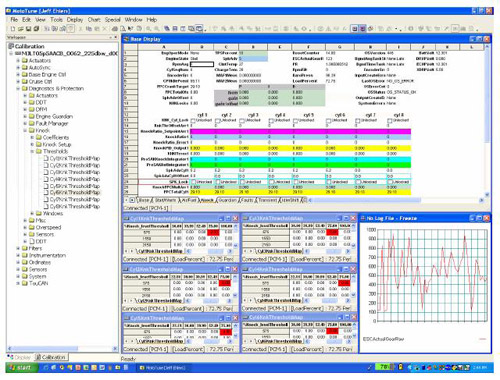
-> Observe and adjust values within the control application using various Windows friendly depictions such as tables, graphs and tree views,
-> Record and log data from the module for further analysis
-> Provide and ActiveX™ API for adding of custom programs that need interface to live data from the PCM.
Key Functionality of MotoTune™ inclues:
-> Calibration (ROM) Editing
- Multi-document, spreadsheet-like calibration map interface
- 1-D and 2-D linear interpolation autofill capability
- Map operating point auto-follow mode (indicates current operating point in calibration map)
- Multi-type calibration map graphical display capability
- On-line and off-line editing with automatic synchronization
- Cut and paste to other PC applications
- Intelligent calibration map print utility
- High/low resolution parameter incrementing via PC keyboard
- Calibration scroll-back buffer
- Calibration creation via upload from ECU
- Intuitive parameter directory tree structure with "find" function
-> ECU Flash Programming
- Built in ECU programming capability
- Programming directly from merge utility
-> Calibration / Software File Management
- Calibration file version management with unlimited, internally stored user comments
- Partial-calibration management (work with subsets of calibration parameters)
- Automated calibration file transfer/upgrade to new software formats and map breakpoint array scalings (includes automated rescaling and interpolation)
- Calibration file compare utility
- Calibration/software merge utility
-> Parameter (RAM) Display. Override and Logging
- Multi-document, user-configurable display parameter interface (spreadsheet-like display configuration - fonts, colors, borders, etc.)
- Many graphing styles and data visualization tools
- Configurable parameter lock and offset capability
- Configurable parameter warning limits
- Integral spreadsheet-like math formula capability
- Built-in parameter strip charting and logging capability
- Full interactive diagnostic tool interface
MotoTune QuickStart Screencasts
 |

 |